
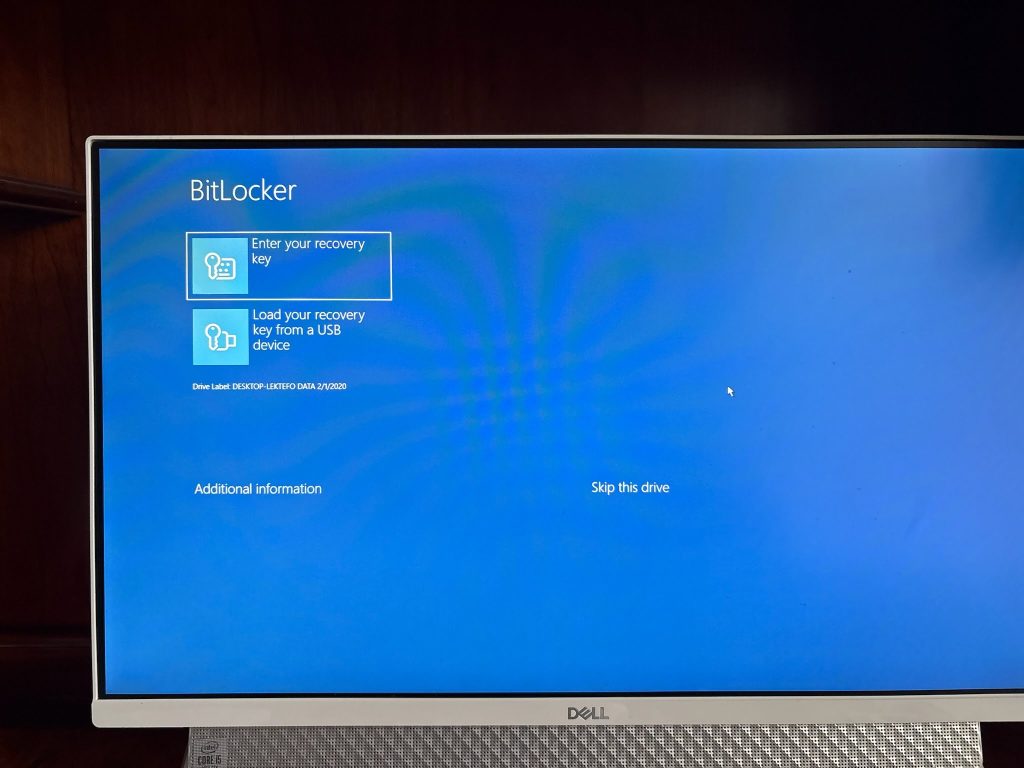
BitLocker Drive Encryption, which is commonly referred to simply as BitLocker, allows Windows users to encrypt hard drives in an effort to keep data secure. The Trusted Protection Module (TPM), a microchip that is built into newer laptops and desktops automatically decrypts hard drives on startup.
A BitLocker recovery key is needed when BitLocker can’t automatically unlock an encrypted drive in Windows. This key, which is a 48-digit number, is used to regain access to the drive. If BitLocker detects an unauthorized access to the drive or changes in the hardware, it will prevent access to the disk, asking for the recovery key.
You can get you BitLocker key by logging into your Microsoft Account on another device via https://aka.ms/myrecoverykey .
In some cases you may have the option to Skip this drive which will allow skipping entering the BitLocker Key.
Device Encryption
You can disable device encryption in Settings (Windows 11 Home) under Privacy & security
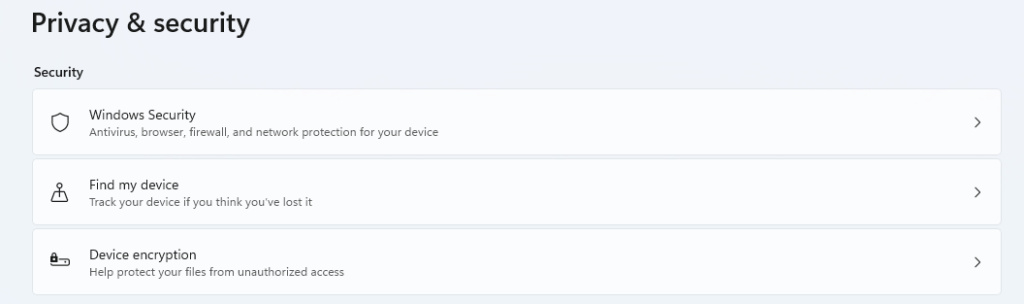
Toggle Device encryption to off

Reference
Find your BitLocker recovery key
How to bypass BitLocker and unlock it from Command Prompt when stuck on the recovery blue screen